1. Log into SFL Accred
2. Search for the Organisation you wish to make amendments to by typing in the Organisation Name and pressing enter

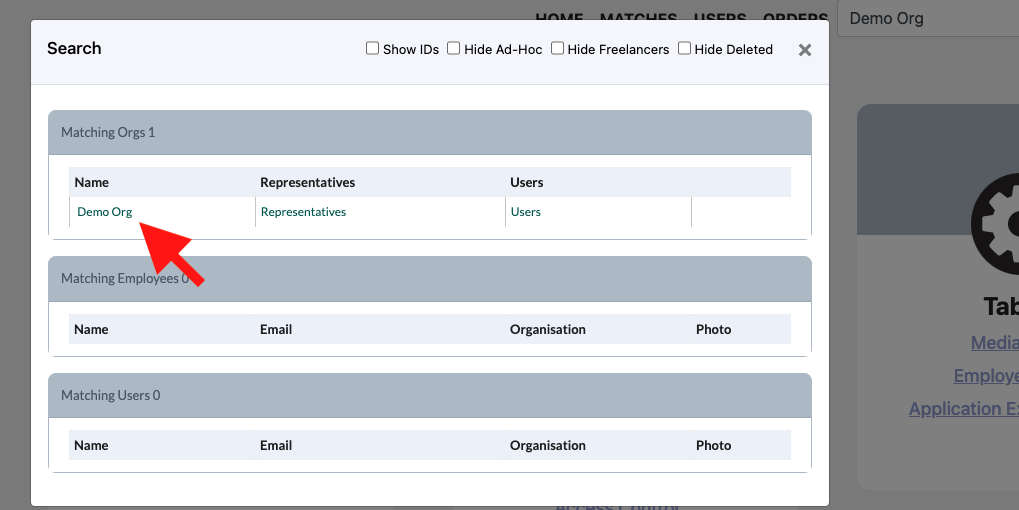
3. In the pop up click on the name of the Organisation you would like to amend
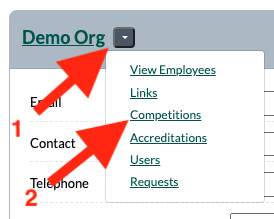
4. Click on the down arrow button next to the Organisations name and click on Competitions
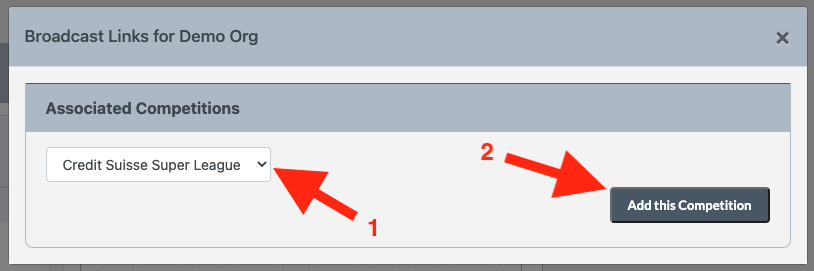
5. Select the competitions from the dropdown that you would like to add and the click on Add this Competition