To create a new Organisation please follow the steps below.
1. Log into SFL Accred
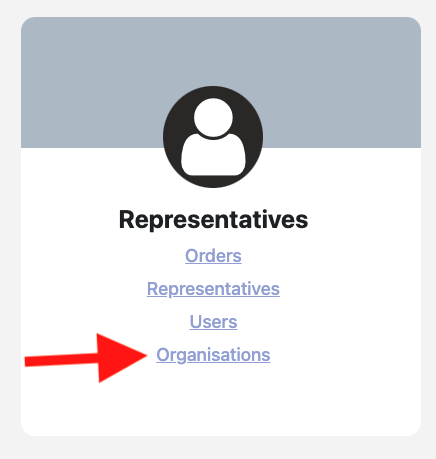
2. Click on Organisations
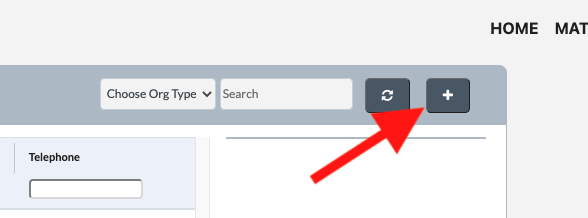
3. Click on the + icon
4. Enter the details in the pop-up and click OK
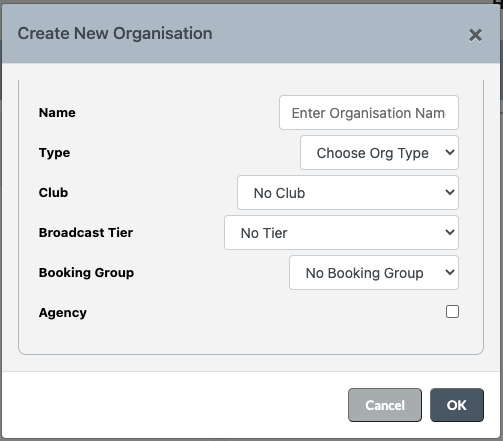
Note: If you are setting up a Broadcaster you must select the Broadcast Tier and Booking Group.
5. Next Fill out the Primary Contact
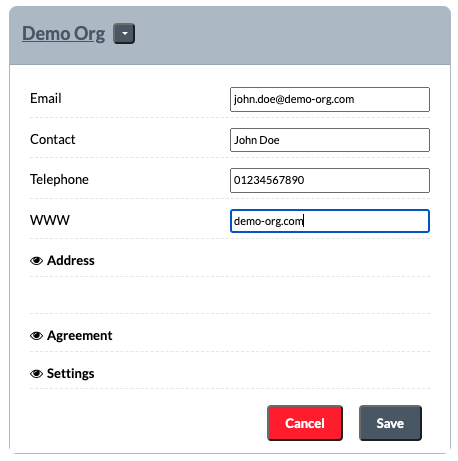
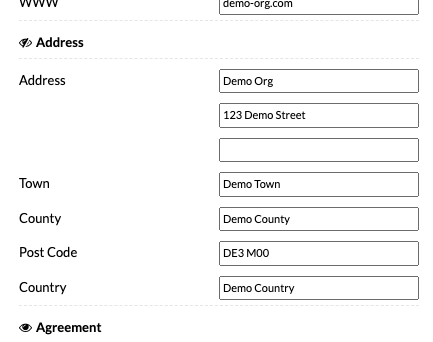
6. Click Address which will show the address fields and fill them out
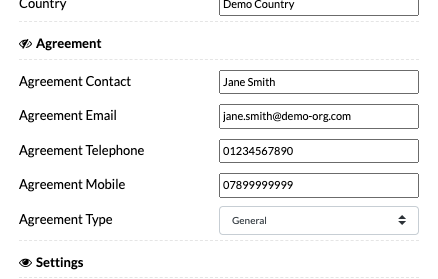
7. Click Agreement which will show the agreement fields and fill them out
7. Click Settings amend any settings if required
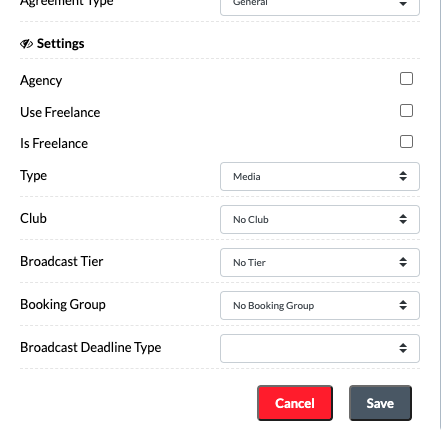
8. Lastly click on Save