1. Log into SFL Accred
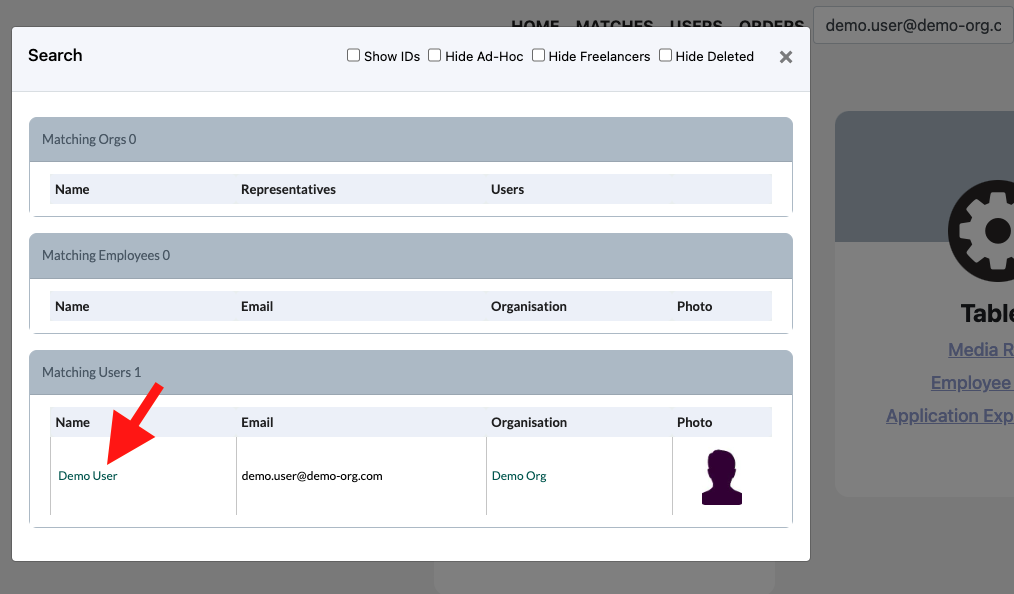
2. Search for the User that you would like to update via email as this is unique to a user.

3. Select the users name in the pop-up
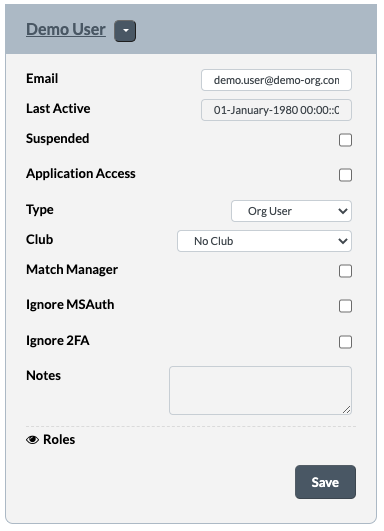
4. You will come to the same page as you were at once you created the user
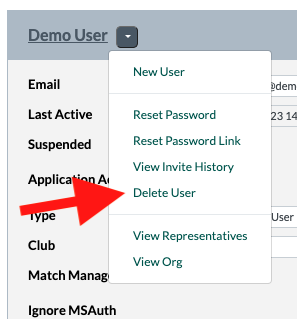
5. Next click on the dropdown next to the users name and select Delete User.
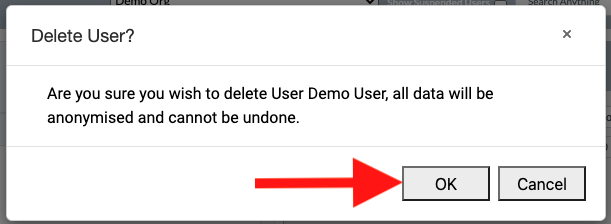
6. A pop up will appear. Click OK. Once OK is clicked the user is deleted.