1. Log into SFL Accred
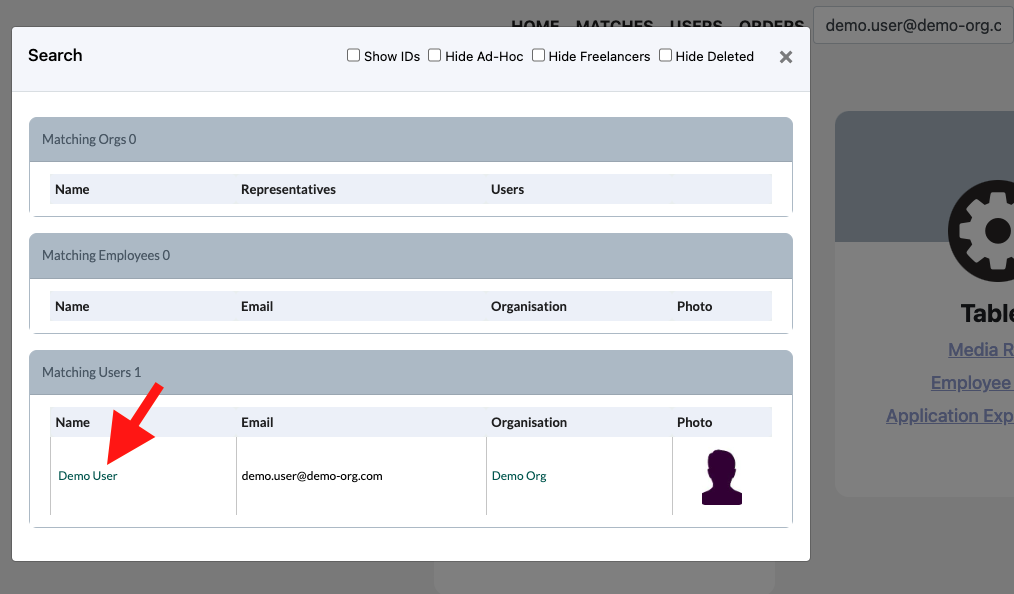
2. Search for the User that you would like to update via email as this is unique to a user.

3. Select the users name in the pop-up
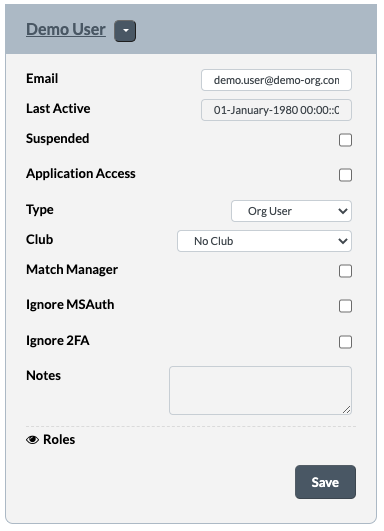
4. You will come to the same page as you were at once you created the user
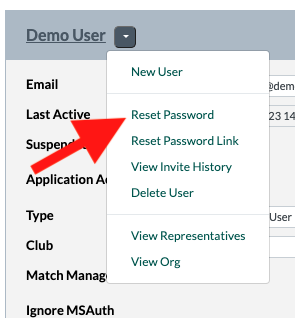
5. Next click on the dropdown next to the users name and select Reset Password.
Note: There is also a Reset Password Link option however this is less secure as it offers you the link to send to the user rather than the system sending the reset password link to the user to do it themselves.
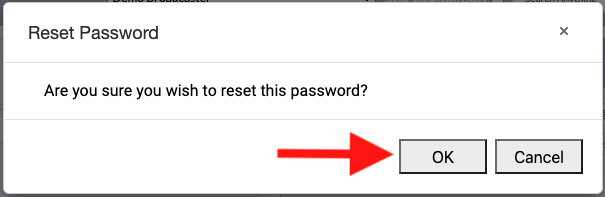
6. A pop up will appear to confirm the reset. Click OK
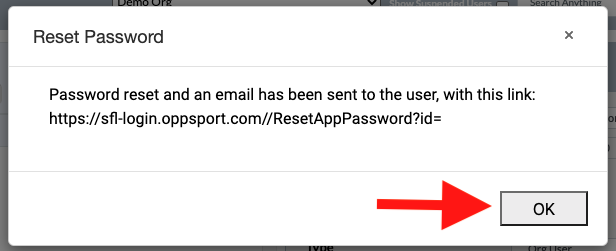
7. A other popup will appear confirming the password reset with the reset link. Click OK