1. Log into SFL Accred
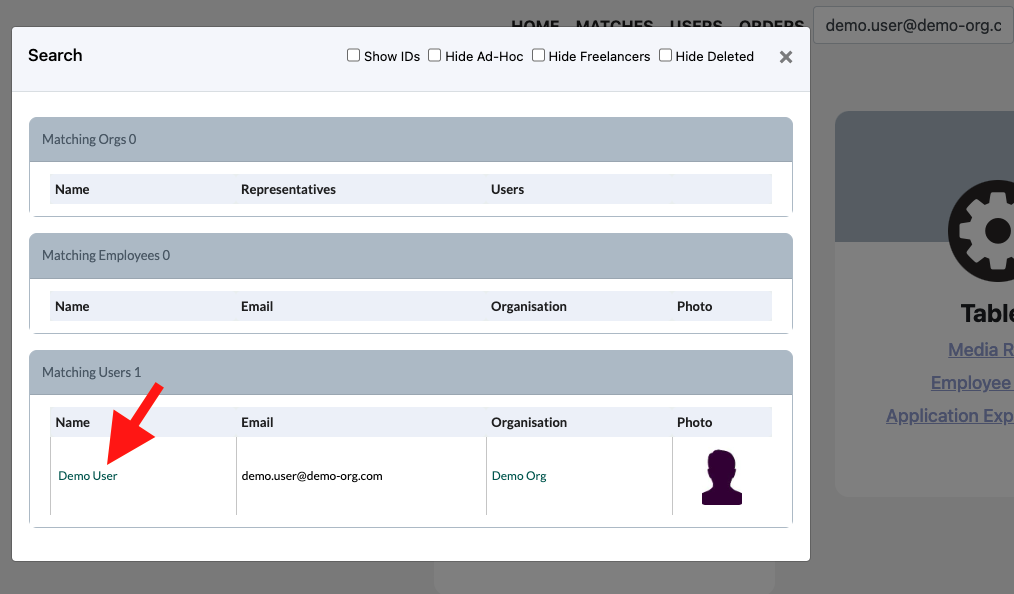
2. Search for the User that you would like to update via email as this is unique to a user.

3. Select the users name in the pop-up
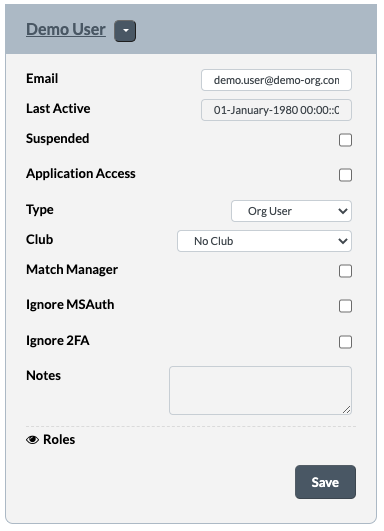
4. You will come to the same page as you were at once you created the user
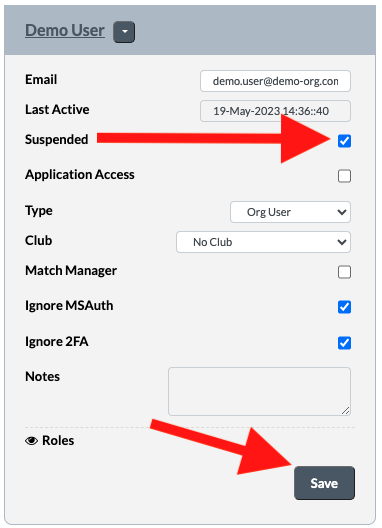
5. Click on the checkbox next to Suspended and then click Save