1. Log into SFL Accred
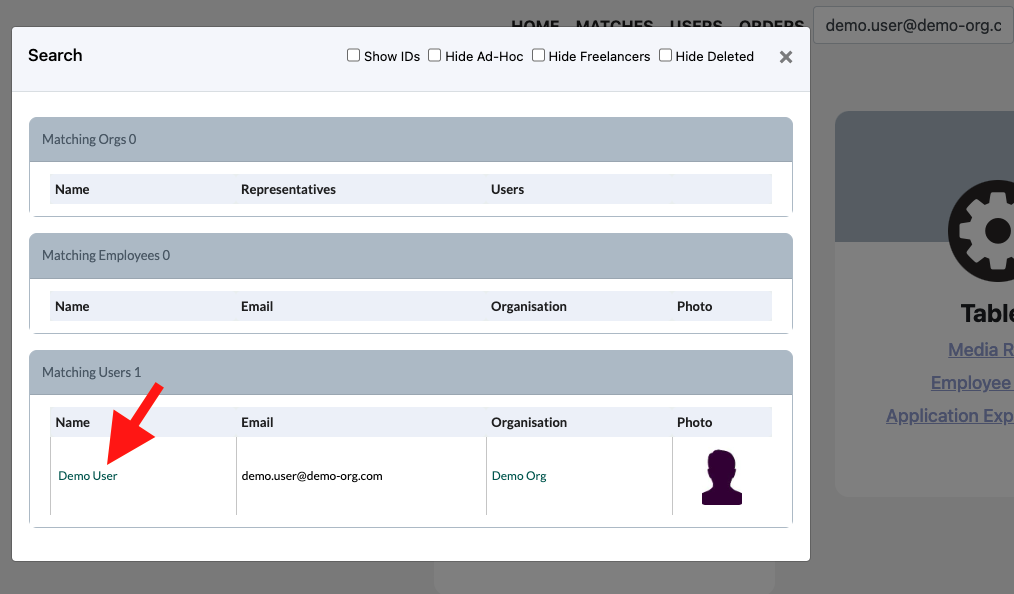
2. Search for the User that you would like to update via email as this is unique to a user.

3. Select the users name in the pop-up
4. You will come to the same page as you were at once you created the user
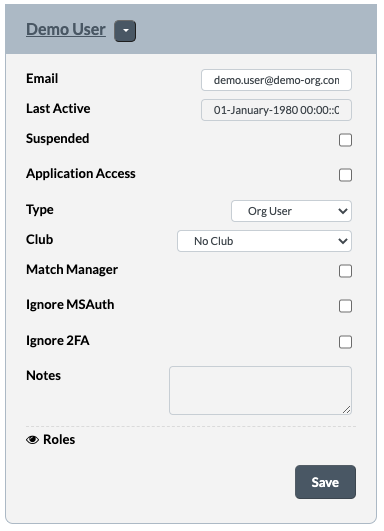
5. From here you can modify any settings you choose. Make sure once you have made your changes to click Save.
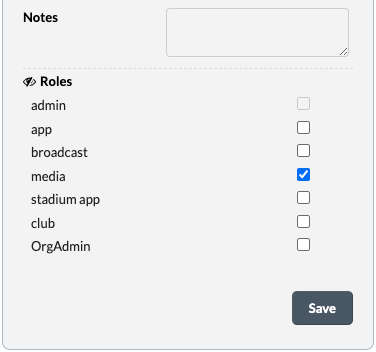
Note: To add additional/modify roles please click on Roles to expand the areas. After making changes please click Save