1. Log into SFL Accred
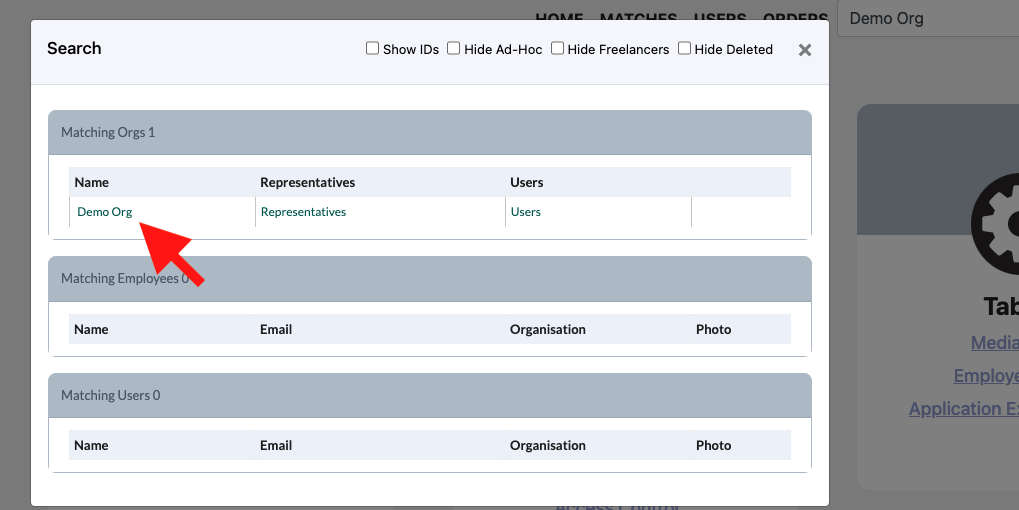
2. Search for the Organisation you wish to make amendments to by typing in the Organisation Name and pressing enter

3. In the pop up click on the name of the Organisation you would like to amend
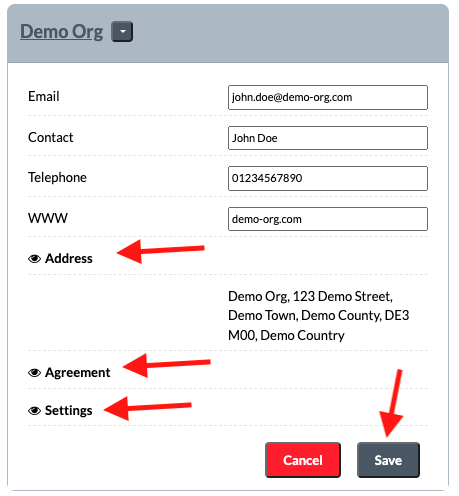
4. Expand each of the sections you would like to amend and click Save one completed