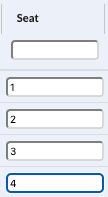
This support article is intended to guide you on how to add a seat number to a match day requests.
After following "How do I view media requests for a match?" you can allocate seats for using the second from the last column on the right in the overview.

1. Locate the request you want to add a seat number to and write the seat number in the empty fields or change the existing entry as required. The system will automatically save your changes.