OppAccred is your digital accreditation companion for sports events. The app gives you secure access to your upcoming fixtures and lets you present your digital ID credentials to stadium staff - all from your phone.
Signing In
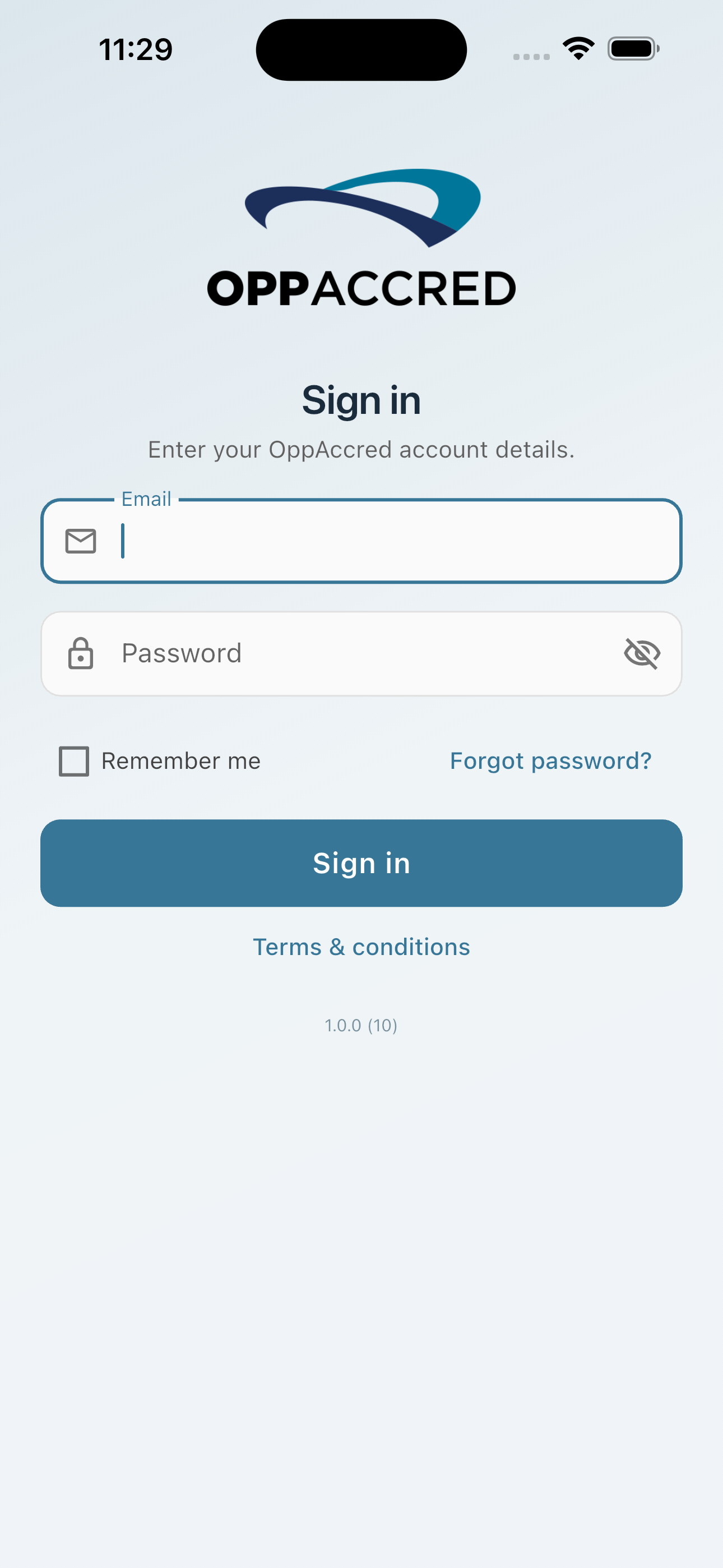
Open the app and enter your OppAccred account email address and password, then tap Sign in. If you have forgotten your password, tap Forgot password? on the login screen to reset it.
Your Match List
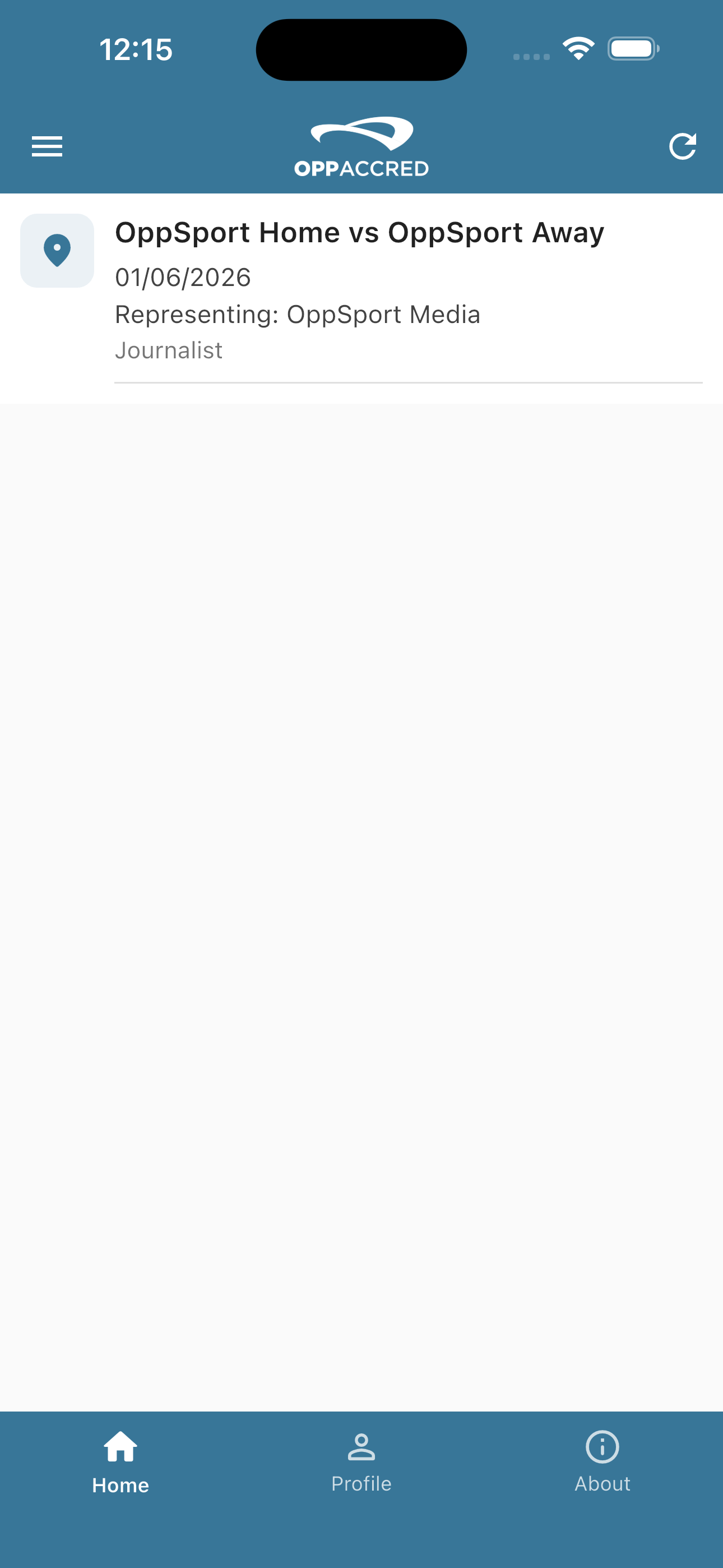
Once signed in, the Home screen displays all the events you are accredited for. Each entry shows the match name, date, the organisation you are representing, and your role.
Your Digital Ticket
Tap any event on the Home screen to open your digital accreditation ticket. The ticket displays your name, photo, organisation, role, seat or press reference number, and the access zones you have been granted. Present this screen to a club or stadium official when requested.

Biometric Login
You can enable Face ID or Touch ID for faster sign-in. Go to the Profile tab and toggle on Use Biometrics to login. Your device must support biometric authentication for this option to appear.
Contact & Support
If you experience any issues with the OppAccred app, please contact us at support@oppolis.com and we will be happy to help.