1. Log into SFL Accred
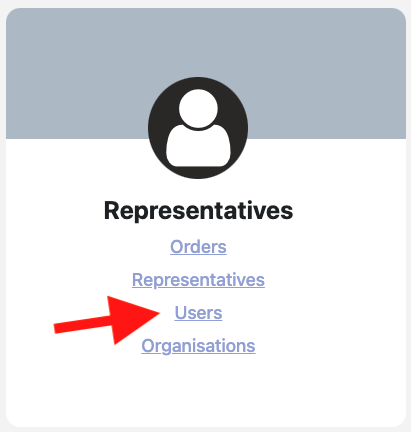
2. Select Users
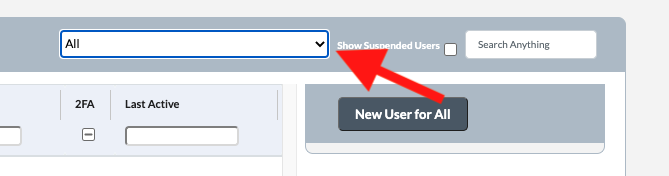
3. Select the Organisation from the dropdown which you would like to add the user to
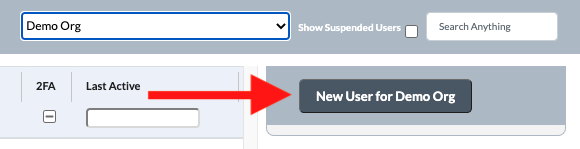
4. Click on New User for Organisation Name Button
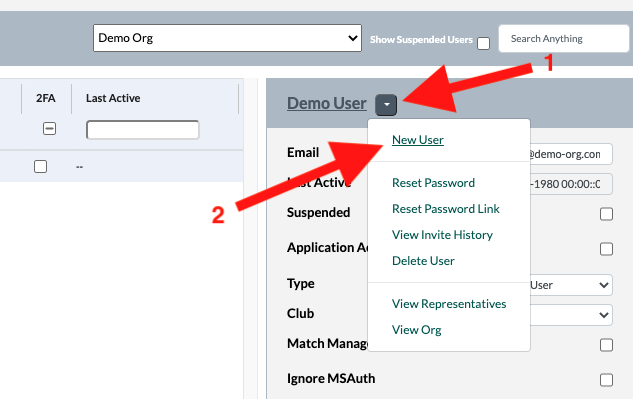
Note: If the organisation already has at least one User click on the down button next to one of the users names and click on New User
5. In the pop-up enter the name of the new user and their email address. Then select The user type from the dropdown. Then click Save
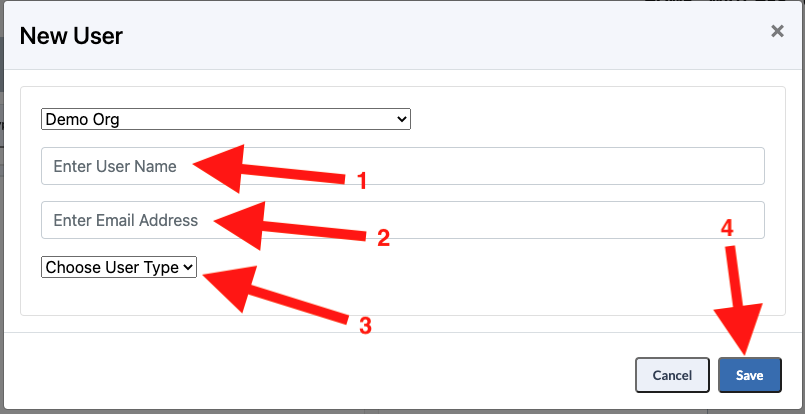
User Types include:
App User - Used for Representatives
Broadcast User - Used for Broadcast Admin
Club User - Used for users at Clubs Admin that are responsible for managing home team match bookings
Org User - Used for Organisation Admins that need to book match requests
Note: Once saved you can administer the User and change/add additional roles if required. View Update a User for more information.